School administrator
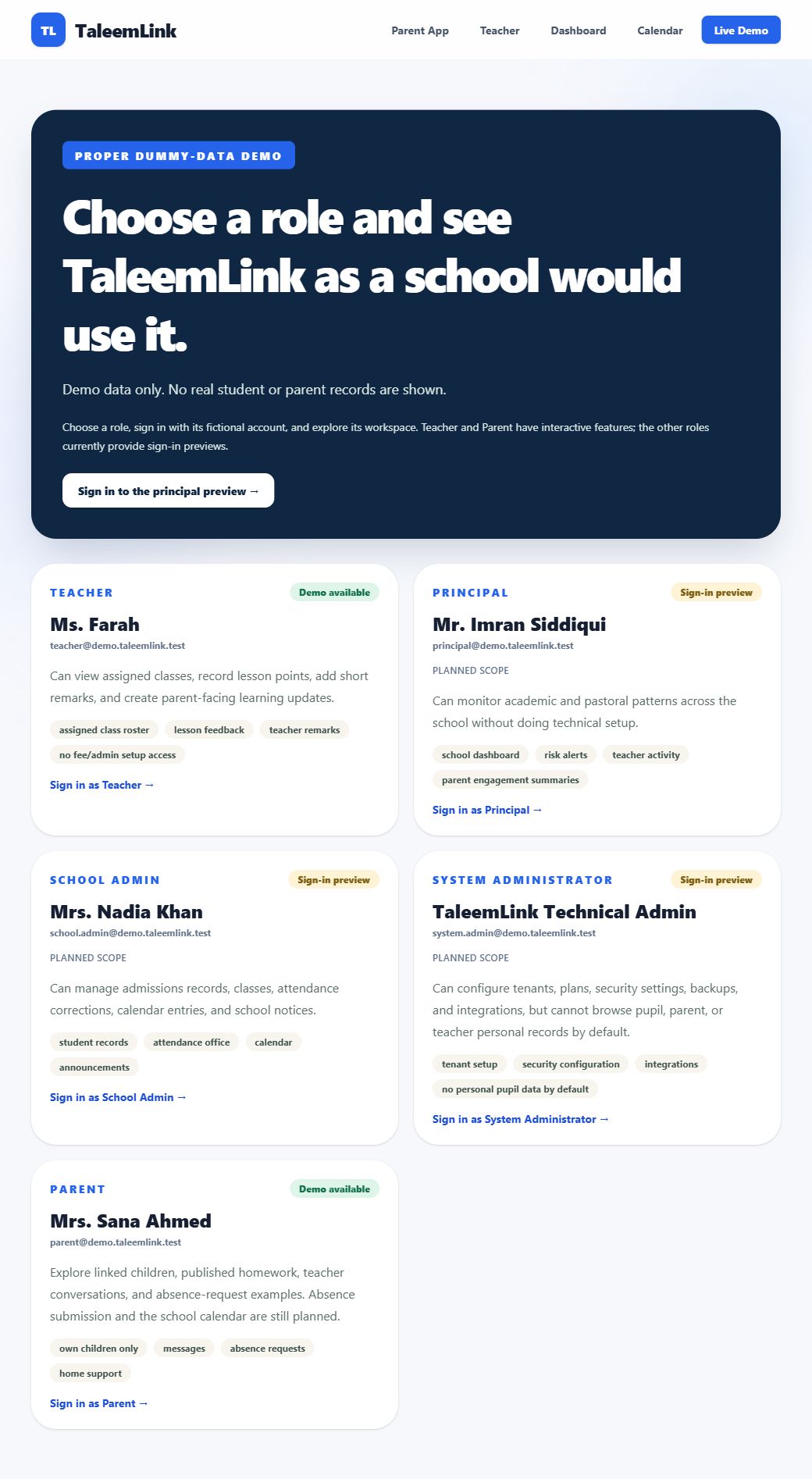
School administrator: explore the preview
Sign-in preview only · Reviewed 1 November 2026 · TaleemLink product & support team
This role currently has a sign-in and overview preview. Operational workflows are not ready for live school use.
Step by step
- Open Live Demo and choose School Admin.
- Use the fictional details displayed on the sign-in page, then select Sign in securely.
- Read the overview and planned scope for school setup and operational administration. Planned items are not completed tools.
- Select Sign out when finished. Use a separate sign-in to explore another demo role.
Expected outcome
You can review the proposed responsibilities without mistaking the preview for a live management system.
Availability & important notes
Do not use this preview to enrol pupils, appoint staff, import records or make real operational decisions. Detailed workflow guides will be added when those features are implemented and tested.
Still need help?
Start with your school administrator for account access or school records. Use the school’s known contact if the site is unavailable. Never share your password.
How to get support →